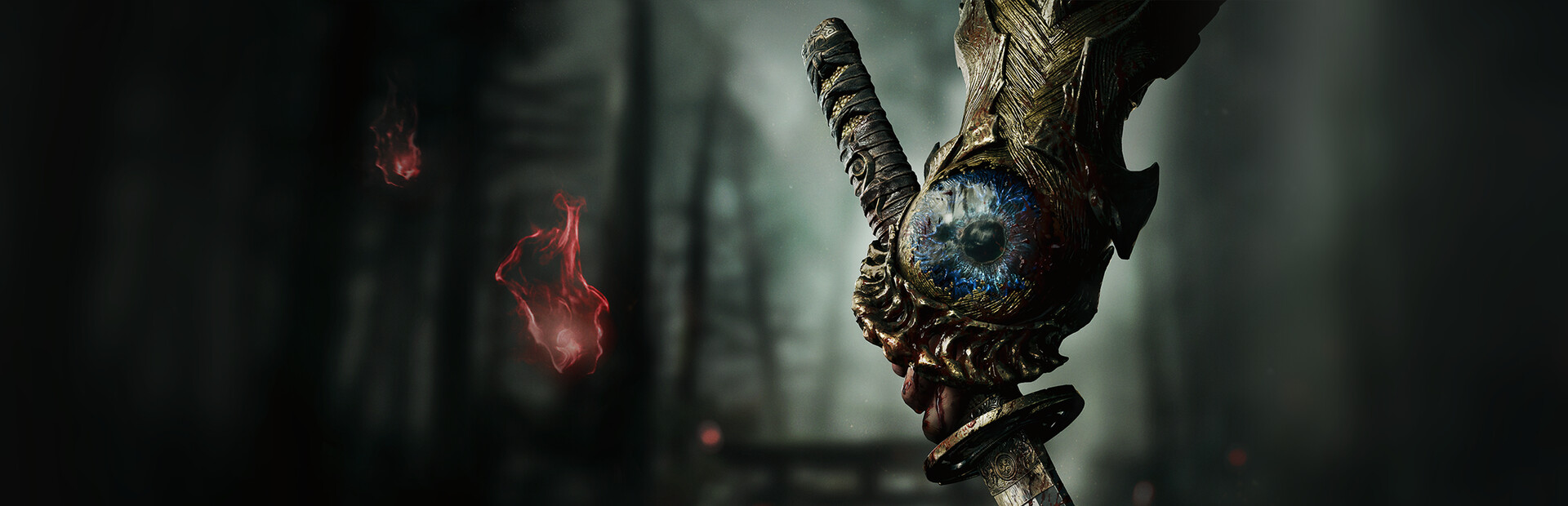
Best Onimusha: Way of the Sword Mods for a Pro Experience
Discover the best Onimusha: Way of the Sword mods to elevate your gameplay. From graphics enhancements to combat overhauls, get the ultimate modding guide.
Table of Contents
The legendary samurai action genre has been reborn, and with the latest community tools, players can finally customize their journey to perfection. If you are looking to overhaul your experience, knowing which Onimusha: Way of the Sword mods are essential is the first step toward creating a truly personalized masterpiece. Whether you are chasing 4K visual fidelity or seeking a more punishing combat loop, these modifications transform the game into exactly what you want it to be.
Installing the right onimusha: way of the sword mods is more than just a visual treat; it is about reclaiming control over the game’s mechanics and flow. In this guide, we dive deep into the most stable and impactful tweaks available, ensuring your samurai adventure is both beautiful and tailored to your playstyle.
Why You Should Mod Onimusha: Way of the Sword
While the vanilla version of the game captures that classic, moody atmosphere, it can often feel restrictive for modern PC users. Modding allows you to bypass these limitations, offering features that were previously missing from the core experience.
According to recent community reports, the most popular mods focus on three primary areas: Quality of Life (QoL), Combat Depth, and Visual Fidelity. Below is a quick comparison of why veteran players are turning to these enhancements:
Feature Area
Benefit of Modding
Primary Goal
Graphics
Unlocks RTGI and Screen Space effects
Realism & Lighting
Combat
Aggressive AI & Timing tweaks
Challenge & Precision
QoL
Faster interaction & movement
Reduced Grind
Cosmetics
Outfit swaps & model replacements
Personalization
Essential Foundation
Before installing any onimusha: way of the sword mods, ensure you have the REFramework installed. It serves as the primary engine for almost all modern modifications and provides the menu system to tweak settings in real-time.
Transforming the Combat Experience
The core appeal of the series lies in its intense, rhythmic swordplay. However, some players find the default enemy behavior a bit predictable. The community has stepped in to bridge this gap with modifications that demand higher skill levels.
Mastering the Aggressive AI
The "Aggressive AI" mod is a game-changer for those who find standard encounters too forgiving. Instead of waiting for their turn to strike, enemies will now swarm you and attack with minimal delay.
How to do it: Download the mod via Nexus Mods and adjust the settings in the REFramework menu.
Why it matters: It forces you to rely on proper spacing, parrying, and the Issen mechanic, making every fight feel like a high-stakes duel.
Automated Combat Assistance
For those who prefer a smoother, more cinematic flow, there are several "Auto-Issen" and "Auto-Soul" collection mods. These reduce the technical friction of managing input strings, allowing you to focus on the spectacular combat animations.
Mod Name
Function
Best For
Auto Soul Collection
Automatically absorbs enemy spirits
Completionists
Auto Issen/Chain
Executes perfect parries
Learning combat windows
Difficulty Adjustment
Manual control over enemy HP/Aggro
Hardcore veterans
Elevating Visuals and Immersion
Visually, the game is already stunning, but the "Graphics Enhancement" mod package provides a level of depth that pushes the game into 2026 standards. By utilizing RTGI (Ray Traced Global Illumination) and high-resolution screen-space reflections, you can make the game’s architecture feel significantly more grounded.
Graphics Configuration Tips
When applying onimusha: way of the sword mods for visuals, balance is key. If you notice interior areas becoming too dark, simply toggle the RTGI off in your REFramework menu—this is a common behavior as the game's original lightmaps weren't designed for ray-traced lighting.
Level of Detail: Crank this to "Max" for sharper textures on Musashi’s armor.
Volumetric Fog: Use this to accentuate the moody atmosphere of the feudal setting.
Shadows: Enhance these to give depth to the environments.
Customizing Your Samurai (Cosmetics & Fun)
Customization is perhaps the most popular aspect of the current modding scene. Whether you want to swap out the main character for someone else or simply recolor your armor, the options are extensive.
Model Replacements: Mods such as "Sasaki Ganryu" or "Roronoa Zoro" offer full model swaps.
Recolors: From "Silver Oni" transformations to "Crimson Lotus" gauntlet variants, you can align your visual aesthetic with your preferred build.
Female Oni Options: The "Musashi Version R" mod provides a completely new player perspective for those looking for a fresh avatar.
Troubleshooting Common Issues
Even with the best tools, you might encounter hiccups during installation. Always check the file version against your game update version.
Menu Doesn't Show: Ensure your REFramework files are placed in the root directory of your game.
Game Crashes on Launch: This is usually due to an outdated mod or a missing dependency (like CSharp-API). Verify your game files via Steam and re-install your mod manager.
Visual Artifacts: Lower your texture quality by one setting if your VRAM limit is hit by high-resolution texture mods.
Frequently Asked Questions
What are the safest onimusha: way of the sword mods to start with?
We recommend starting with the "Graphics Enhancement" and "Faster Interactions" mods. They provide an immediate visual and functional upgrade without changing the core gameplay balance too much.
Do these mods work on the latest game version?
Yes, most mods hosted on major platforms are updated regularly. Always check the "Last Updated" date on the mod page to ensure compatibility with the most recent game build.
Will using mods disable my achievements?
Typically, no. Most mods in this game do not interfere with Steam achievements. However, always keep a backup of your save file before performing major modifications to be safe.
How do I revert to the vanilla game?
If you want to remove mods, simply delete the files you added to the game's root directory or verify your game files through the Steam client to reset the installation to its original state.